
Last updated: June 13, 2026
The Short Version: Publer does social media scheduling, content recycling, bulk posting, and basic analytics starting at $12/month. It covers 12+ platforms including LinkedIn, Google Business Profile, WordPress, and TikTok. For B2B teams, it works as the distribution layer after content is created. It doesn’t do social listening, deep analytics, or complex approval workflows. It schedules posts reliably at a price that doesn’t require a budget conversation. That’s enough.
Publer is worth it for B2B teams managing 3-6 social platforms who need reliable scheduling and content recycling without enterprise pricing. Professional plan starts at $12/month for 3 accounts.
Here’s the part of B2B marketing strategies that nobody wants to talk about. You publish a blog post. Maybe you share it on LinkedIn. Then it sits there. One post, one platform, one shot. The blog that took 6 hours to write gets 45 seconds of distribution effort.
That’s the pattern I see across almost every company I work with as a fractional CMO. The content creation is happening. The distribution isn’t. And the gap between those two things is where most B2B marketing ROI goes to die.
Publer is the tool I use to close that gap. Not because it does everything. Because it does the distribution part well, cheaply, and without fighting me on it.
Let me show you what it actually does, what it doesn’t, and where it fits in a B2B marketing stack.
Who Is Publer Actually For?
Publer fits B2B teams managing 3-6 social platforms who need reliable scheduling and content recycling without paying enterprise prices. It works for solo marketers, small teams, and fractional CMOs managing distribution across multiple clients.
It’s not for enterprise social teams that need social listening, sentiment analysis, or 30-person approval chains. If you’re spending $199/seat on Sprout Social and you need what Sprout gives you, Publer isn’t the replacement. Different tools for different problems.
But for the B2B operator who publishes content and needs it distributed across LinkedIn, Google Business Profile, and 3-4 other platforms consistently? This is the tool. Over 240,000 social media managers and brands use Publer, and it holds a 4.7 out of 5 on G2. Those numbers don’t happen by accident.

What Does Publer Do Well for B2B Marketing?
The features that matter for B2B aren’t the same ones a lifestyle brand cares about. Here’s what actually moves the needle.
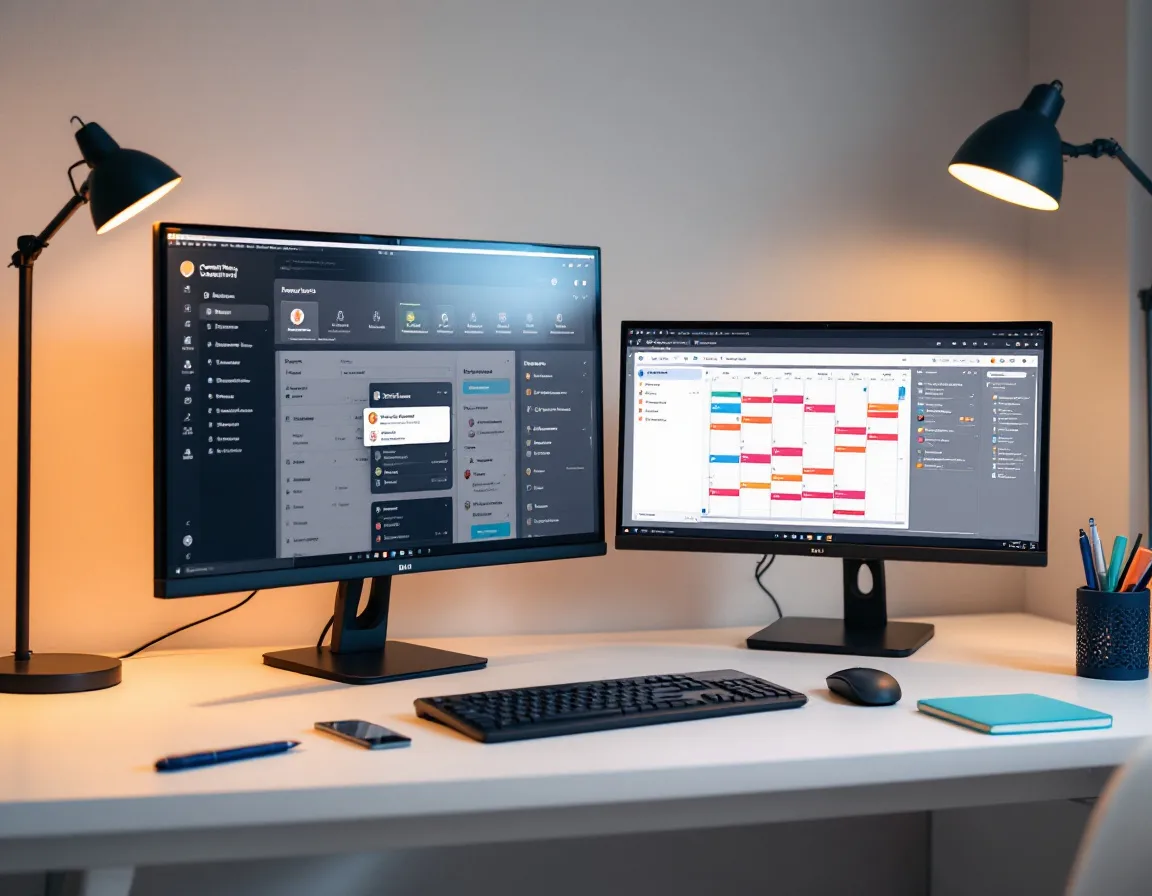
The UI is clean and simple. This sounds like a small thing until you’ve used Hootsuite’s cluttered dashboard or tried to figure out where Buffer hid your drafts. Publer’s visual calendar makes it obvious what’s scheduled, what’s in draft, and what went live. You can edit posts inline, drag them to different dates, and save drafts without losing your place. The interface stays out of your way. For a tool you’re in every week, that matters more than any feature list.
Multi-platform scheduling across 12+ networks. LinkedIn personal profiles and company pages. Google Business Profile (updates, events, offers, photos). WordPress. Facebook. Instagram. TikTok. YouTube. Pinterest. X/Twitter. Threads. Bluesky. Telegram. That’s the broadest platform support I’ve found in this price range. For B2B, the LinkedIn + GBP combination is the one that matters most, and Publer handles both natively.
Content recycling for evergreen posts. You wrote a post about why B2B companies need a fractional CMO. That post is relevant in January. It’s relevant in July. Publer’s recycling feature keeps it in rotation automatically with Spintax variations so it doesn’t look like duplicate content. For B2B teams with a library of 20-40 evergreen pieces, this alone is worth the subscription.
First comment scheduling. On LinkedIn, putting your link in the first comment instead of the post body typically performs better for engagement. Publer lets you schedule both the post and the first comment at the same time. Small feature. Big time saver when you’re batching a week of content.
Bulk scheduling up to 500 posts. Upload via CSV. Map your columns. Schedule in one shot. If you’re batching content monthly (which you should be), this turns a 2-hour distribution session into 20 minutes.
Canva integration built in. Design inside Publer without switching tools. For lean teams without a dedicated designer, this means your social graphics and your scheduling happen in the same window.
WordPress cross-posting. Publish to your blog and push a version to your social channels from the same dashboard. For B2B companies running content-led strategies, this connection between blog and distribution is the whole point.
AI captions on Business tier. GPT-4 powered caption generation and DALL-E 3 image generation. The captions need editing for B2B (they tend toward generic). But as a first draft to react to rather than a blank page to stare at, they cut the friction.
How Does Publer Fit Into a B2B Marketing Stack?
This is the part most reviews skip. How does this tool fit into a real workflow?
I’ve tried most of the tools in this category. Buffer, Later, SocialBee, Hootsuite. I keep landing on Publer because the cost is comparable to all of them and the experience of actually using it is better. The scheduling workflow is fast. Editing a draft doesn’t require three clicks and a page reload. The visual calendar gives me a clean picture of what’s going out across every client without hunting through tabs. It does what a distribution tool should do without making me work for it.
For my clients, the system looks like this. Content gets created in Claude. Blog posts, social copy, distribution packs. Then it needs to go somewhere. Publer is the “go somewhere” layer.
What I like about Publer is that I can connect Claude to it for publishing. The content flows from ideation and drafting in Claude directly into Publer’s scheduling calendar. No manual copy-paste marathon. No switching between six tabs. The AI creates the content. Publer distributes it. The operator (me or a team member) reviews and approves in between.
That workflow runs across multiple clients. Publer’s Workspaces keep each client’s accounts, schedules, and content completely separate. I’m not going to accidentally post a cybersecurity company’s content to a staffing firm’s LinkedIn. (Which, if you’ve managed multiple brands in one tool, you know is a real risk.)
A typical week looks like this. Blog goes live on Monday. The distribution pack (LinkedIn post, GBP update, Facebook post, and any other platform-specific versions) gets loaded into Publer in one batch. Posts go out across the week on the schedule I’ve set per platform. Evergreen content recycles in the background. I check analytics once a week to see what’s landing.
Total time spent inside Publer per client per week: about 15-20 minutes. That’s after the content is created. Publer doesn’t create your strategy or write your posts for you. It makes sure they get published consistently without you having to remember to do it every morning.
The rest of the stack: GoHighLevel for CRM and email. ClickUp for task management. Claude for content. Publer for distribution. That’s the lean B2B marketing system at under $150/month in tool costs.
What Does Publer Cost? (The Real Pricing)
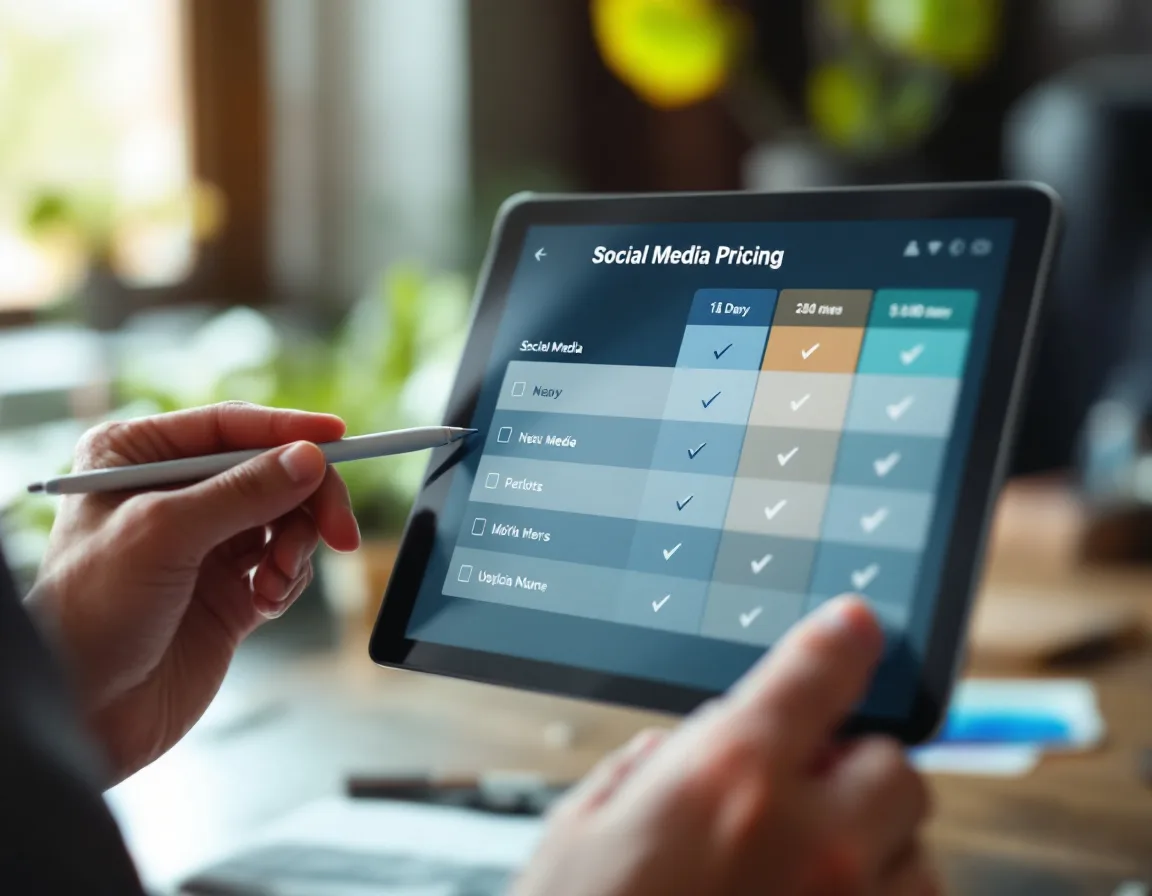
Free plan covers 3 accounts with no X/Twitter support. Professional starts at $12/month for 3 accounts. Business starts at $21/month for 3 accounts and adds AI plus analytics. Per-account pricing scales from there.
So what does $12/month actually get you? Here’s the pricing that matters:
| Plan | Monthly Price (3 Accounts) | What You Get |
|---|---|---|
| Free | $0 | 3 accounts (no X/Twitter), 10 pending posts per account, basic scheduling |
| Professional | $12/mo | Unlimited scheduling, X/Twitter, bulk scheduling, RSS automation |
| Business | $21/mo | Everything in Pro + AI captions (GPT-4), AI images (DALL-E 3), analytics, content recycling, best time to post |
| Enterprise | Custom | Volume discounts, priority support, custom onboarding |
Additional accounts cost ~$4 each on Professional and ~$7 each on Business. Additional team members cost $2/mo (Pro) or $3/mo (Business). Every 10th account or member is free. Annual billing saves 20%.
Publer also runs promotions regularly. I’ve seen discounts on annual plans and occasional deals that bring the cost down further. Worth checking what’s available when you sign up. The link below will show the current offer.
For comparison, do you actually need to spend more than this?
| Tool | Starting Price | What You Trade Off |
|---|---|---|
| Buffer | $6/channel/mo | Simpler, fewer platforms, per-channel pricing adds up fast |
| Hootsuite | $99/user/mo | Enterprise features, but 8x Publer’s price for a solo marketer |
| Later | $18.75/mo | Visual-first (Instagram/TikTok), weaker LinkedIn and GBP |
| Sprout Social | $199/seat/mo | Deep analytics and social listening, but a completely different budget |
| Publer Pro | $12/mo | 3 accounts, unlimited scheduling, bulk posting, broad platform support |
One thing to flag: X/Twitter is not available on the free plan. Publer’s CEO has been transparent about why. They pay roughly $42,000/month for Twitter’s Enterprise API access. That cost can’t be absorbed for free users. Any paid plan unlocks X/Twitter.
What Should You Know Before Committing?
I genuinely like Publer. But a few things are worth knowing so you’re not surprised.
Analytics are functional, not deep. You get engagement data, follower growth, best time to post suggestions. You don’t get competitive benchmarking or sentiment analysis. For most B2B teams under $20M in revenue, the built-in analytics are enough. Above that, you’ll probably pair Publer with a separate analytics tool.
AI is Business-tier only. On the Professional plan, AI Assist requires you to connect your own OpenAI API key. Publer doesn’t cover AI costs on Pro. That’s fine if you’re already paying for an API key. Worth knowing if you expected it included at $12/month.
Per-account pricing adds up. The base price is cheap. Managing 10+ accounts gets expensive. At 10 accounts on Business, you’re paying roughly $63/month. Still cheaper than Hootsuite. But not the $21 you saw on the pricing page.
No social inbox. You can’t reply to comments or DMs from inside Publer. You schedule and publish. Engagement management happens on the native platforms.
B2B AI captions need editing. The GPT-4 captions tend toward generic when writing about niche B2B topics. Cybersecurity compliance, managed IT services, staffing for defense contractors. The AI doesn’t have the domain depth. Use it as a starting point, not a finished product.
Occasional failed posts. Some reviewers flag occasional publishing failures, usually tied to API limitations on Instagram or TikTok. It’s not frequent enough to be a pattern-breaker, but check your publish queue after a batch goes out.
None of these are dealbreakers. They’re the kind of things you want to know on day one so you set expectations correctly.
How Does Publer Compare to the Alternatives?
Quick matchups from the B2B operator’s perspective.
Buffer is simpler and cheaper per channel ($6/channel). Better if you’re managing 1-2 platforms and want the fastest possible setup. Worse if you need 5+ platforms, content recycling, or bulk scheduling. Per-channel pricing makes Buffer more expensive than Publer once you pass 3 platforms.
Hootsuite is enterprise-grade. Social listening, advanced analytics, approval workflows, team collaboration. At $99/user/month, it’s solving a different problem than Publer. Do you need all that? If you’re a B2B company under $20M with a lean marketing team, probably not.
Later is visual-first. Built for Instagram and TikTok. Weaker on LinkedIn and GBP, which are the two platforms B2B teams care about most. If your business runs on visual content, Later fits. If your business runs on LinkedIn thought leadership and local SEO, Publer fits better.
SocialBee does content categories and evergreen recycling well. Similar price point ($29/mo). Better for teams that want to organize content by type and rotate through categories automatically. Publer wins on platform breadth, bulk scheduling, and a cleaner interface.
For B2B specifically, Publer’s combination of LinkedIn scheduling, GBP support, content recycling, and WordPress cross-posting at $12–21/month is the best value I’ve found.

Which Publer Plan Should You Pick?
| Situation | What I’d Do |
|---|---|
| Just getting started, testing the waters | Free plan. 3 accounts, basic scheduling. See if the workflow fits. |
| Solo marketer, 3-5 platforms, posting consistently | Professional ($12/mo). Unlimited scheduling, bulk posting, X/Twitter. |
| Small team, need analytics and AI assistance | Business ($21/mo). AI captions, best time to post, content recycling. |
| Agency managing 5+ clients | Business with multiple Workspaces. Budget ~$50–80/mo depending on account count. |
| Enterprise team needing listening and approval chains | Publer isn’t your tool. Look at Sprout Social or Hootsuite. |
The Bottom Line
Publer does one thing really well for B2B marketers. It gets your content distributed across platforms consistently without costing a fortune or requiring a full-time social media coordinator to manage.
It doesn’t try to be your CRM, your analytics platform, or your content strategy tool. It schedules posts, recycles evergreen content, and gives you basic performance data. The UI is clean and fast. The price compares favorably to everything else in the category. And for B2B companies under $20M in revenue running marketing with a lean team, that’s exactly what the distribution layer needs to do.
The Professional plan at $12/month handles most B2B teams. Business at $21/month adds AI and analytics if you want them. Both are a fraction of what Buffer, Hootsuite, or Sprout would cost for the same coverage.
Try Publer free and see if the workflow fits. Check for any current promotions when you sign up. For the broader stack this fits inside, check my top marketing tools breakdown.
Common Questions About Publer for B2B
Is Publer worth it for B2B companies?
For B2B teams managing LinkedIn, Google Business Profile, and 2-3 other platforms, yes. It handles multi-platform scheduling, content recycling, and bulk posting at $12–21/month. The value shows up in consistency. Your content actually gets distributed instead of sitting on your blog with one LinkedIn share.
What’s the best Publer plan for a small marketing team?
Professional at $12/month if you just need scheduling and bulk posting. Business at $21/month if you want AI-generated captions, analytics, and content recycling. Start on Free to test the workflow, then upgrade when you hit the 10-post-per-account ceiling or need X/Twitter.
Does Publer work with LinkedIn company pages?
Yes. Both personal profiles and company pages. You can schedule posts, carousels, polls, and first comments. Switching between profiles in the dashboard is fast, and scheduling queues stay separate so nothing crosses.
How does Publer compare to Buffer for B2B?
Buffer is simpler and starts cheaper ($6/channel). Publer has broader platform support, content recycling, bulk scheduling, and WordPress integration. Once you’re managing more than 3 platforms, Publer is cheaper and more capable. Buffer wins on simplicity for 1-2 channel operations.
Can Publer schedule Google Business Profile posts?
Yes. Updates, events, offers, and photos. You can schedule GBP posts alongside your other social content from the same dashboard. For B2B companies doing local SEO, this is one of Publer’s most underused features.
Is Publer’s AI assistant good enough for B2B content?
As a starting point, yes. As a finished product, usually not. The GPT-4 captions work well for general business topics. For niche B2B verticals (cybersecurity, managed IT, defense staffing), the output tends generic and needs editing. Use it to beat the blank page, then rewrite in your voice.