Last updated: October 24, 2026
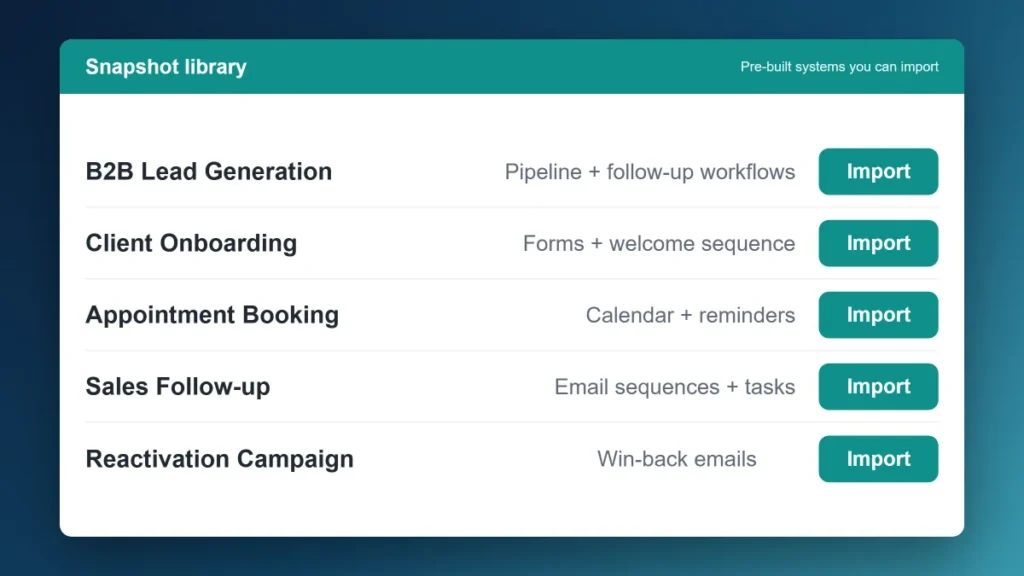
The Short Version: GoHighLevel Snapshots are pre-built marketing systems — complete with workflows, email sequences, pipelines, funnels, and automations — that you import into your GHL account in minutes instead of building from scratch over weeks. They’re how agencies deploy a consistent marketing stack to new clients fast, and how solo operators skip the blank-canvas setup problem. This covers what snapshots actually contain, how to import one, the best options for B2B, and how to build your own.
GoHighLevel Snapshots are pre-built configurations — workflows, funnels, email sequences, pipelines, and automations — that import into a GHL account in one click. Agencies use them to deploy client systems fast; B2B teams use them to skip setup from scratch.
One of the most common frustrations new GoHighLevel users run into isn’t the platform itself — it’s the blank canvas. GHL can do a lot. The problem is figuring out how to set up the workflows, pipelines, and automations to actually make it useful, without spending two weeks building from scratch.
Snapshots solve that. They’re GoHighLevel’s version of a template system, except they’re not just visual templates — they import entire working marketing systems into your account. This is worth understanding if you’re evaluating GHL for the first time or if you’ve been in the platform for a while and haven’t used them yet.
If you’re still working out whether GHL makes sense for your team at all, start with the GoHighLevel explainer or the full GHL review first.
What Is a GoHighLevel Snapshot?
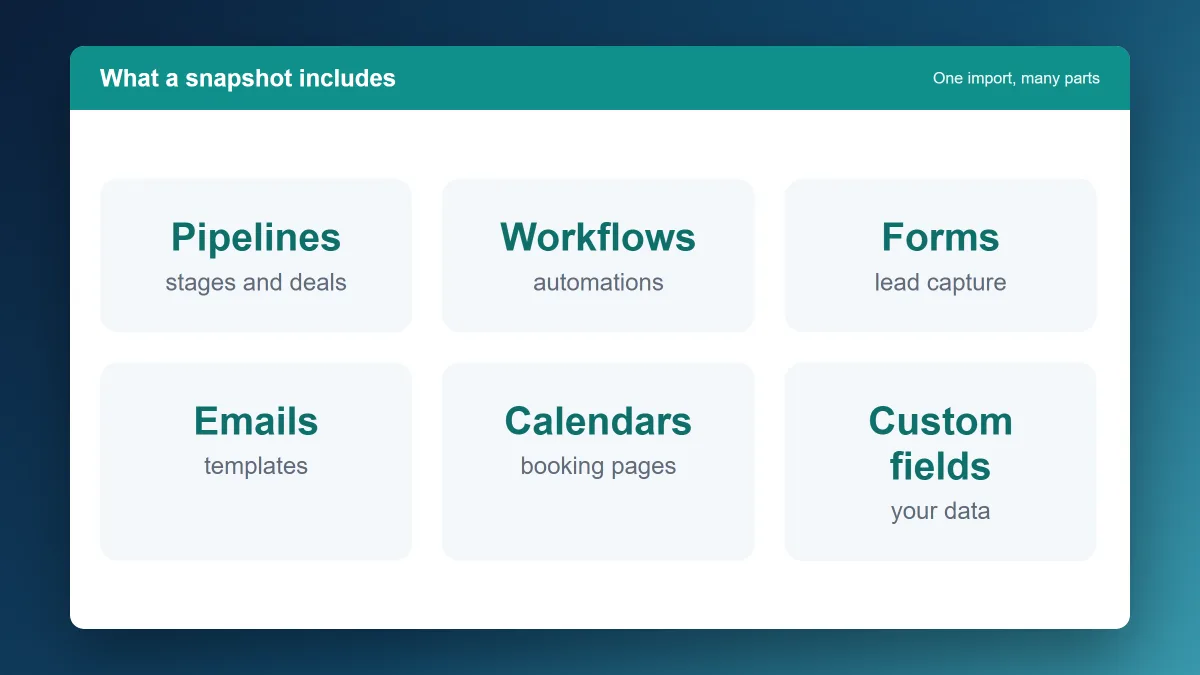
A snapshot is a complete export of a GoHighLevel sub-account’s setup. Everything configured in that account — workflows, email and SMS sequences, pipeline stages, funnels, landing pages, calendars, tags, trigger links, forms — gets packaged into a single importable file.
When you import a snapshot into your GHL account (or a client’s sub-account), all of that configuration loads in. You’re not copying individual pieces — you’re loading an entire operating system for a specific use case or industry.
Think of it like getting a new employee who already knows how to set up GoHighLevel for your business type, then handing you the result. The actual work of building it has already been done. You walk in and connect your account, update the copy with your details, and activate.
What a Snapshot Actually Includes
Not all snapshots are equal, but a well-built one typically contains:
- Workflows. The automation sequences — lead follow-up, appointment reminders, no-show nurture, proposal follow-up, onboarding — already built and connected to the right triggers
- Pipeline stages. Deal stages configured for a specific sales motion. A B2B services snapshot might include: New Lead → Contacted → Qualified → Proposal Sent → Decision → Won/Lost
- Email and SMS sequences. Written templates for the key touchpoints — initial response, follow-up day 3, reminder before appointment, post-meeting follow-up
- Funnels and landing pages. Pre-built lead capture pages and thank-you pages relevant to the use case
- Calendars and booking pages. Configured appointment types with confirmation and reminder sequences attached
- Tags and custom fields. The contact organization structure that makes segmentation and automation work
- Forms, surveys, trigger links, and in some cases full website templates
A bare-bones snapshot might only include workflows and pipelines. A premium one might include a complete lead generation system with funnels, nurture sequences, and a reporting dashboard. Quality varies a lot by source.
How to Import a GoHighLevel Snapshot
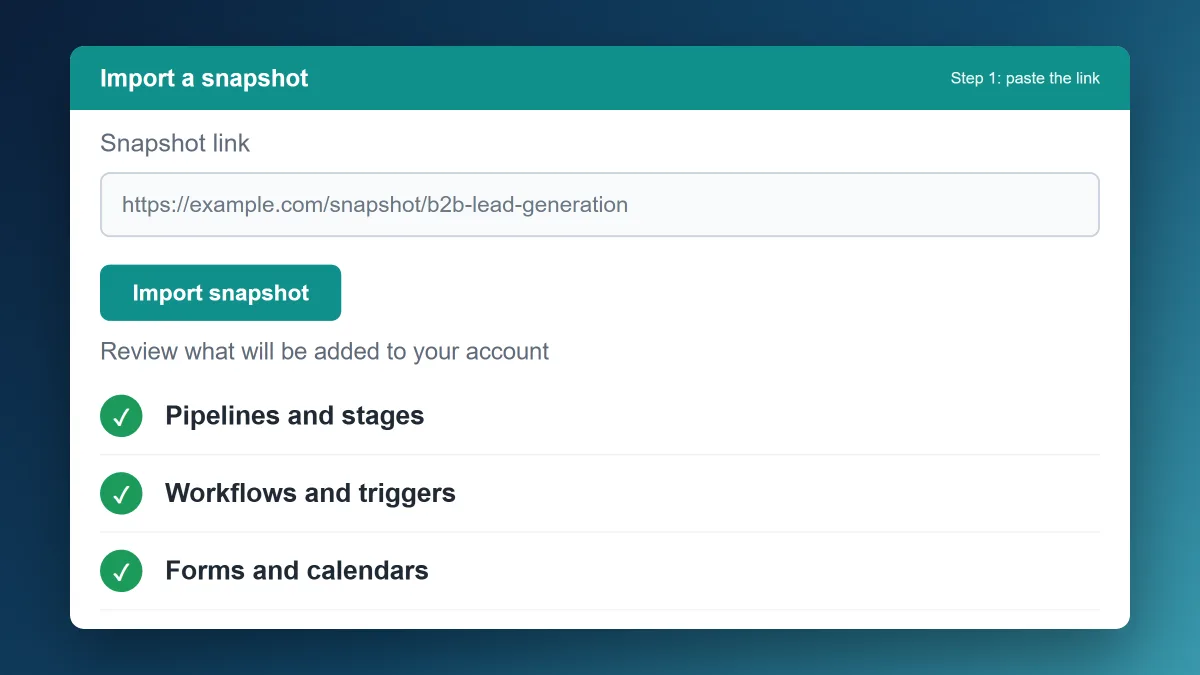
The mechanics are straightforward. From your Agency dashboard in GHL, navigate to Accounts, select the sub-account you want to load the snapshot into (or create a new one), and choose “Load Snapshot.” You can load a snapshot from the GHL marketplace, from a URL a snapshot creator shared, or from your own library if you’ve built and saved one previously.
The import process walks you through what will be created and lets you choose whether to keep existing content or overwrite it. For a fresh account, import everything. For an existing account you’re adding to, review carefully — overwriting existing workflows without intending to is a common setup mistake.
After import, the main tasks are: update all placeholder text (business name, phone, email, website links), connect your calendar, activate the workflows you want running, and do a test run with a dummy contact before going live.
Where to Find GoHighLevel Snapshots
Three main sources:
The GHL Marketplace. GoHighLevel’s built-in snapshot library includes options across dozens of industries. Quality is inconsistent — some are thorough, some are minimal — but they’re free with your subscription and a reasonable starting point. Navigate to the Marketplace tab in your Agency dashboard to browse.
The GHL Community. The official GoHighLevel Facebook group and community forums are active with snapshot sharing. Members post snapshots for specific industries or use cases, often free, and you can request specific ones. The quality here varies even more than the marketplace, so preview before importing into a live account.
Third-party creators and agencies. A growing market of GHL specialists sell premium snapshots built for specific industries or use cases. These tend to be more thoroughly built and documented, with support for customization. Prices range from $49 to $500+ for industry-specific or complex systems.
The Best Snapshot Types for B2B Service Businesses
Most snapshots in the marketplace are built for B2C businesses — home services, medical spas, real estate. The B2B-relevant ones take some finding. Here’s what to look for:
Professional services / consulting. Look for snapshots built around appointment-based sales with a multi-touch follow-up sequence. The key elements: lead capture form → immediate response → qualification call booking → proposal tracking pipeline → post-proposal nurture if no decision yet.
IT and MSP. Service business snapshots adapted for longer B2B sales cycles. The most useful ones include a “not ready now” nurture track — a 60–90 day email sequence that stays in contact without being pushy. This is where most MSPs lose deals they should close eventually.
Agency operations (for agencies running GHL for clients). The agency management snapshot is GHL’s own native option — a system for tracking client accounts, onboarding new clients, and managing deliverables. Worth importing for any agency using GHL to run client marketing.
Lead gen and inbound. A general-purpose lead capture → qualification → booking snapshot that you can adapt for most B2B use cases. The core elements — form, immediate SMS + email response, 5-day follow-up sequence, booking calendar — work across industries. This is the most commonly useful starting point for a B2B service team new to GHL.
Building Your Own Snapshot
Once you’ve built out a GHL setup that works well for a particular client type or use case, you can save it as a snapshot for future use or to share with others. From the Agency dashboard, navigate to the account, select “Save as Snapshot,” name it, and choose what to include.
For agencies, this is one of GHL’s highest-leverage features. Build a working system once for a client in a specific industry — say, a B2B IT firm — document what works, save it as a snapshot, and deploy a version of that system to the next client in the same vertical in an hour instead of a week.
The marketing automation system guide covers how to think about building the underlying workflows that power a strong snapshot.
Common Mistakes When Using Snapshots
Importing and activating without customizing. A snapshot’s email sequences have placeholder text. Sending an automated message that says “[BUSINESS NAME] here, following up on your inquiry” to a real lead is worse than sending nothing. Update all placeholder content before activating.
Activating all workflows at once on an existing database. If you import a snapshot into an account with existing contacts and activate all workflows immediately, every contact that meets the trigger conditions starts receiving automated messages. Review trigger conditions and start workflows deliberately, not all at once.
Not testing before going live. Run a dummy contact through the entire sequence before turning it on for real leads. Broken links, wrong phone numbers, and timing errors are much easier to catch in a test than in a live sequence that’s already hitting real prospects.
The Bottom Line
Snapshots are one of GoHighLevel’s genuinely underused features. They compress weeks of setup into hours, give you a working starting point based on proven configurations, and make it practical for agencies to deploy consistent systems across multiple clients.
The quality gap between snapshots is real — a good one saves you significant time, a bad one gives you more to untangle than if you’d started fresh. Preview before importing, update before activating, test before going live.
If you’re ready to try GHL, there’s a 14-day free trial here (affiliate link). The full GoHighLevel review covers the platform in depth if you’re still evaluating.
GoHighLevel Snapshot Questions
Are GoHighLevel Snapshots free?
The snapshots in the GHL Marketplace are included with your subscription at no extra cost. Community-shared snapshots are typically free as well. Third-party premium snapshots from external creators run $49 to $500+ depending on complexity. There’s no shortage of free options — the trade-off is quality and documentation.
Can I share a snapshot with someone outside my GHL account?
Yes. GHL generates a shareable URL when you save a snapshot, which anyone with a GHL account can use to import it. This is how snapshot creators distribute their templates, and how agencies share setups with clients on their own sub-accounts.
Will importing a snapshot overwrite my existing GHL setup?
Only if you choose that option during import. GHL gives you the choice to merge or overwrite. For a fresh sub-account, import everything. For an existing account, choose merge and review carefully what’s being added before activating anything.
How long does it take to set up a snapshot after importing?
For a simple snapshot on a fresh account: 1–3 hours to update placeholder content, connect your calendar, and run a test. For a complex multi-workflow snapshot on an existing account where you’re merging with current setup: budget a full day. The import is fast. The customization and testing take the time.
Can I build a snapshot and sell it?
Yes, and there’s an active market for well-built snapshots in specific industries. Build a working system, document it thoroughly, test it across a few real use cases, and you can sell it through your own site or the GHL community. Agencies often sell their snapshot library as part of their onboarding offer to new clients.