
Last updated: June 13, 2026
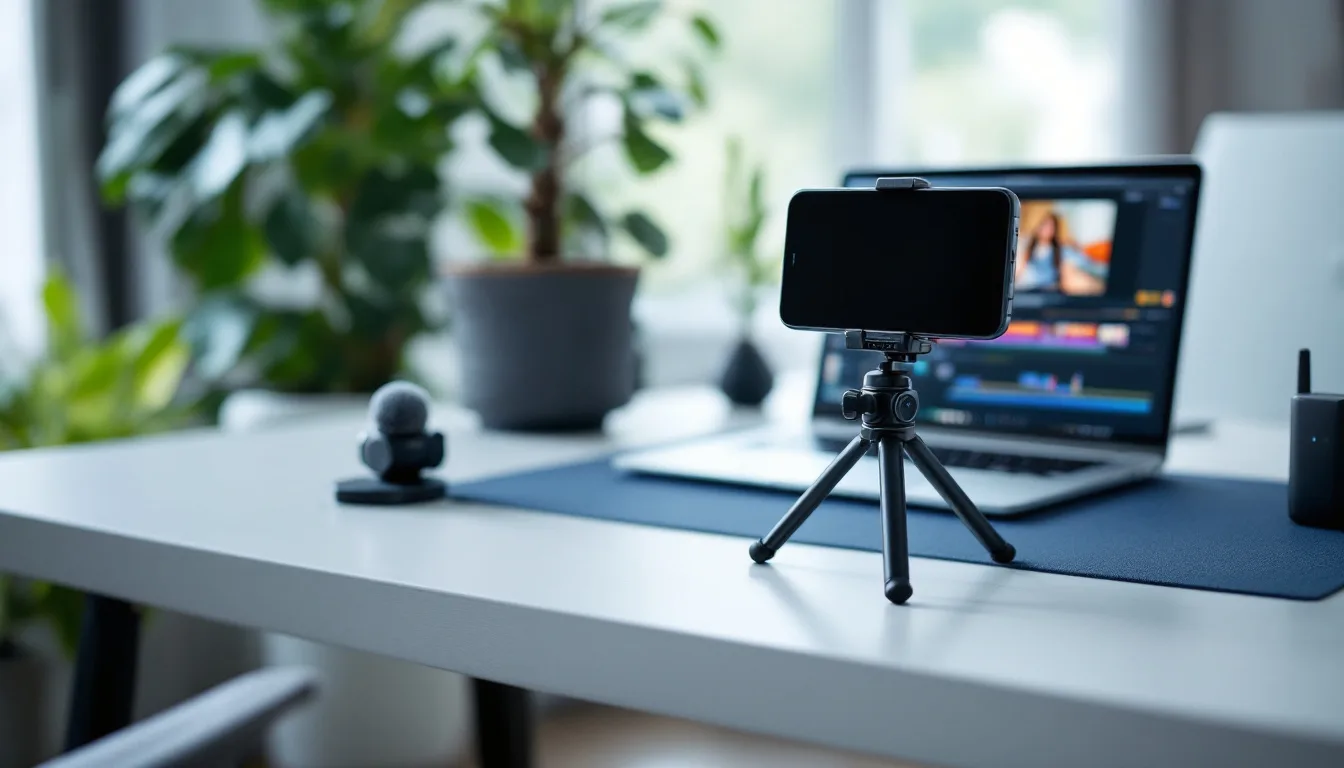
The Short Version: You don’t need a studio, a production crew, or expensive equipment to start recording founder video. You need 4 things: your iPhone, a $15 desk tripod, a Rode wireless mic, and Riverside for editing. Total investment is under $200 and one afternoon of setup. This is the same recording system I set up for B2B founders across my fractional CMO clients. Here’s exactly how to do it.
A founder video setup requires an iPhone with rear camera and cinematic mode, a desk tripod at eye level, a Rode wireless microphone, and Riverside for editing and repurposing. Total cost is under $200 and setup takes one afternoon.
I work with B2B founders as a fractional CMO, and the same conversation happens every time. They know they should be on camera. They know video drives pipeline. They’ve read about the founder content strategy and how one recording feeds an entire marketing system.
Then nothing happens. For months.
Not because they’re lazy. Because they think they need a real camera. Professional lighting. A backdrop that doesn’t show their laundry room. A ring light. Maybe a teleprompter. And before they know it, the setup has become a project that never starts.
Here’s the thing. Your iPhone shoots better video than most laptop webcams. A $15 tripod solves the shaky-hand problem. A $99 clip-on mic fixes the audio. And Riverside handles the editing, AI cleanup, and repurposing. That’s the whole stack. You can set this up and record your first video today.
(Disclosure: Some links in this post are affiliate links. No extra cost to you. I only recommend tools I actually use.)
Why Do Founders Overthink Video Setup?
Because the internet made it look complicated.
Search “video setup for content creators” and you’ll find $3,000 equipment lists. DSLR cameras, shotgun mics, softboxes, acoustic panels. That’s great if you’re running a YouTube production studio. It’s complete overkill if you’re a B2B founder who needs to record 7-8 minutes of insights once a week.
The founders I work with who produce the best video don’t have the best equipment. They have the simplest setup that removes every excuse to not hit record.
What kills founder video isn’t bad lighting. It’s the gap between deciding to start and actually recording. Every piece of equipment you “need to research first” makes that gap wider.
What’s the Minimum Viable Setup? (Under $200)
Four things. That’s it.
Your iPhone. If you have an iPhone 13 or newer, you already own a better camera than 90% of the webcams on the market. Use the rear camera, not the selfie camera. Rear camera has a wider lens, better processing, and supports cinematic mode which gives you that soft-background look that makes basic setups look professional.
A desk tripod ($15-25). A small tripod that sits on your desk and holds your phone. Search “phone desk tripod” on Amazon. Don’t overthink it. The only thing that matters is that it positions your phone at eye level. If you’re looking down at the camera, your forehead becomes the focal point and your eyes look distracted. Eye level is non-negotiable.
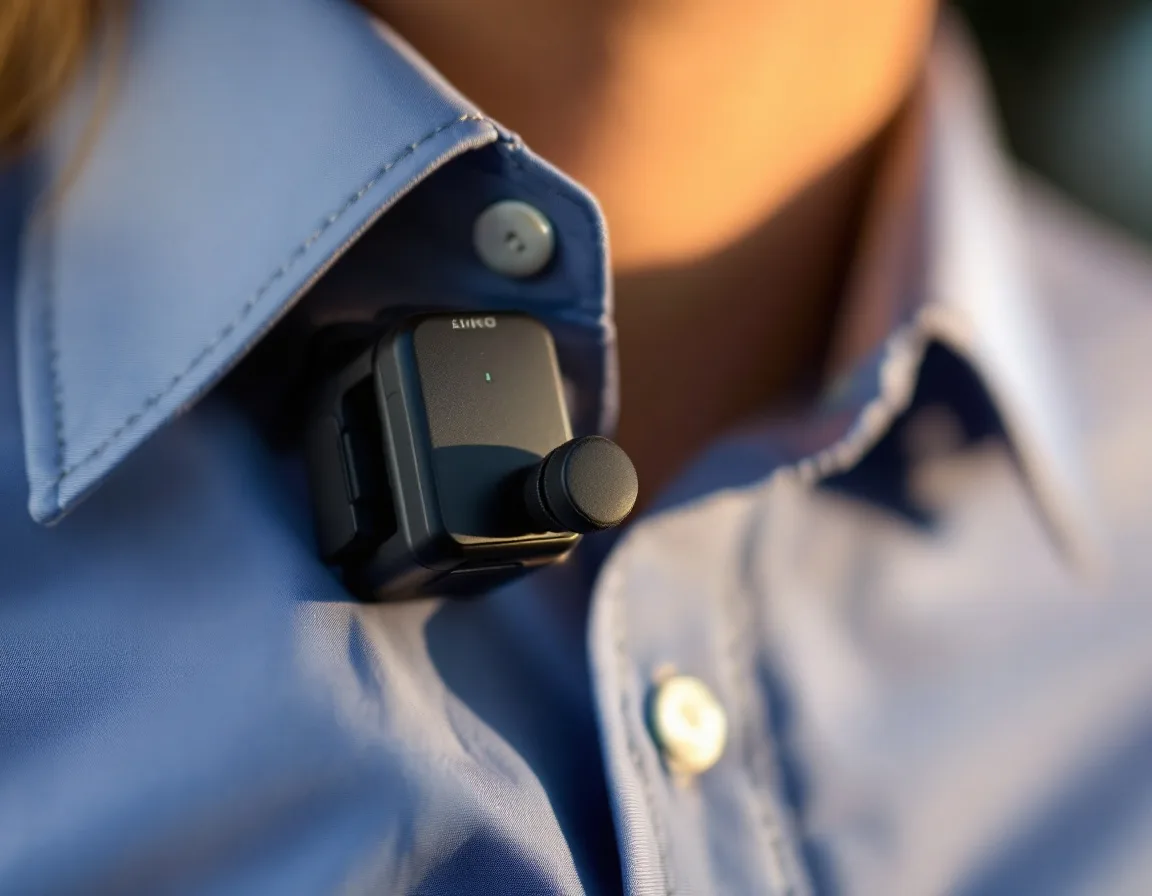
A Rode wireless mic ($99-149). This is the single biggest quality jump you can make. The Rode Wireless Micro or Rode Wireless ME clips to your shirt and connects directly to your phone. Viewers forgive imperfect video all day long. They don’t forgive bad audio. Your iPhone’s built-in mic picks up room echo, air conditioning, and the dog barking three rooms away. A clip-on wireless mic fixes all of that.
Riverside for editing ($29/month). You don’t record inside Riverside on your phone (the native iPhone camera is better). You film on your iPhone, then upload the video to Riverside for editing. I wrote a full Riverside review that covers every feature. The short version: Riverside handles AI transcription, text-based editing (delete a word and the video edits itself), voice enhancement, eye contact correction, filler word removal, and automatic short-form clip generation. All included in the $29/month Pro plan.
That’s a one-time equipment cost of about $115-175, plus $29/month for software. You can record your first video this afternoon.
| Item | Minimum Setup | Upgraded Setup |
|---|---|---|
| Camera | iPhone rear camera (free, you own it) | Sony ZV-1 or mirrorless ($400-700) |
| Mic | Rode Wireless Micro ($99-149) | Rode NT-USB Mini desktop mic ($109) |
| Tripod/mount | Phone desk tripod ($15-25) | Full tripod or desk arm ($30-80) |
| Lighting | Window (free) | Ring light or key light ($20-50) |
| Editing | Riverside Pro ($29/month) | Riverside Pro ($29/month) |
| Total | $115-175 + $29/mo | $590-970 + $29/mo |
Start with the left column. Move to the right column when you’ve been recording consistently for 3 months and know you’re committed. Most founders never need to upgrade.
Why Does Audio Matter More Than Video Quality?
This is the one thing founders get backwards.
They spend an hour adjusting lighting and framing, then record with their laptop’s built-in mic. The video looks fine. The audio sounds like they’re calling from a tunnel.
Viewers scroll past bad audio in 3 seconds. They’ll watch a slightly dark video with clean audio for 8 minutes. Every study on video engagement confirms this pattern. Audio is the trust signal. If it sounds professional, the viewer assumes everything else is professional too.
The Rode Wireless Micro at $99 is the fix. Clip it to your collar. Connect it to your phone. Forget about it. That one purchase moves your production quality further than any camera upgrade ever will.
How Should You Frame Yourself on Camera?
Three rules.
Eye level. The camera lens should be at the level of your eyes. Not above. Not below. If your phone is on a desk tripod that’s too low, stack some books underneath it. If you’re using a laptop webcam for a different recording, same rule. Stack the laptop.
Shoulders and torso visible. Cropping at the neck looks awkward and creates a floating-head effect. Frame yourself from mid-chest up with a few inches of space above your head.
Clean background. You don’t need a branded backdrop. You need a wall that isn’t cluttered. A bookshelf works. A plain wall works. A window with blinds works. What doesn’t work is a pile of laundry, a messy desk behind you, or a door where people walk through during recording.
I covered detailed camera positioning in my Riverside review, including the teleprompter drift problem (if you use a teleprompter, raise it to eye level or your eyes drift downward and the AI eye-contact correction has to work overtime).
What About Lighting?
Natural light. Window in front of you, not behind you. Done.
If you sit with a window behind you, you become a silhouette. If you sit with a window in front of you (or slightly to the side), your face is evenly lit and the camera’s auto-exposure does the rest.
That’s 80% of what professional lighting accomplishes. No ring light required. No softbox. No color temperature adjustments.
Want to record at night or in a windowless room? A basic ring light ($20-30 on Amazon) solves the problem. Clip it to your desk or mount it on your tripod. But most founders can skip this entirely by recording during the day near a window.
What’s the Recording-to-Publishing Workflow?
Here’s the sequence, start to finish.
Before you record: Write a bullet outline. Not a word-for-word teleprompter script (unless that’s how you work best). A list of 4-6 points you want to hit. Recording without any prep wastes takes and burns time. Even 10 minutes of outlining saves 30 minutes of re-recording.
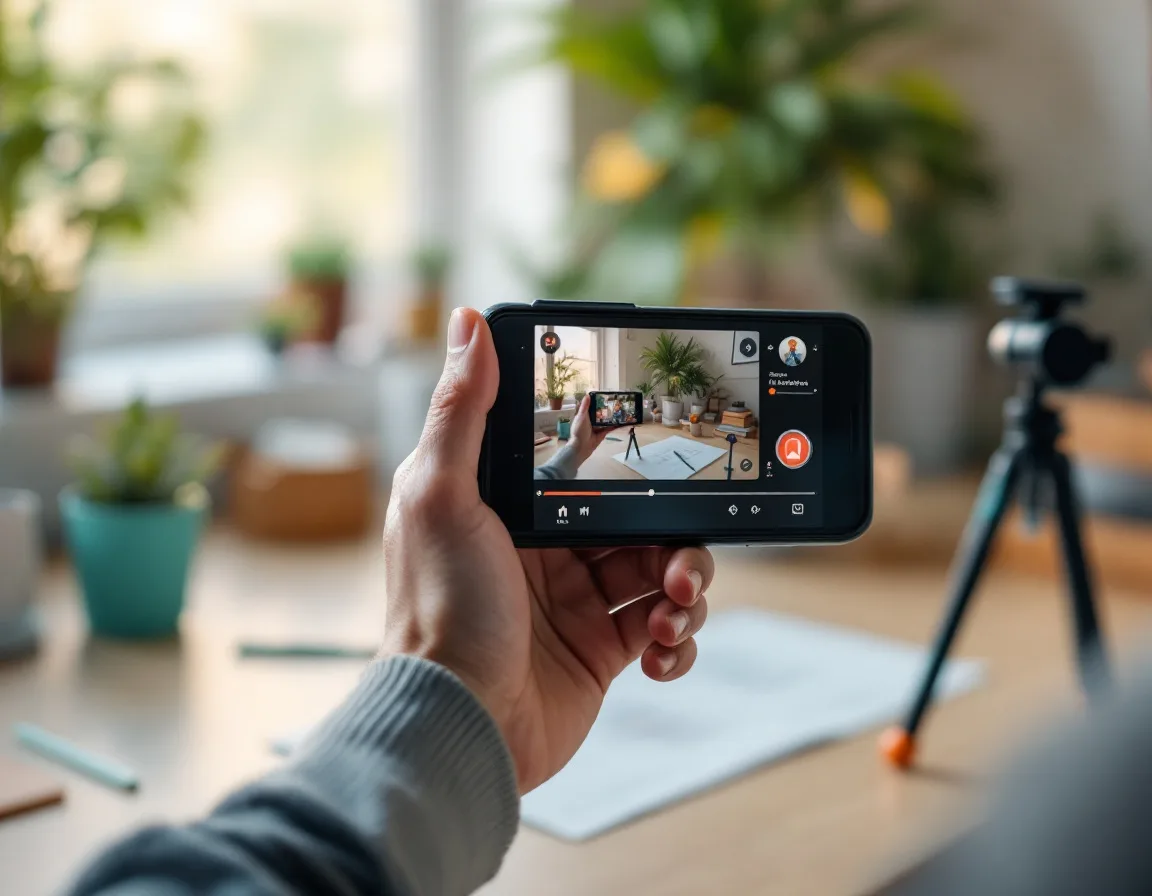
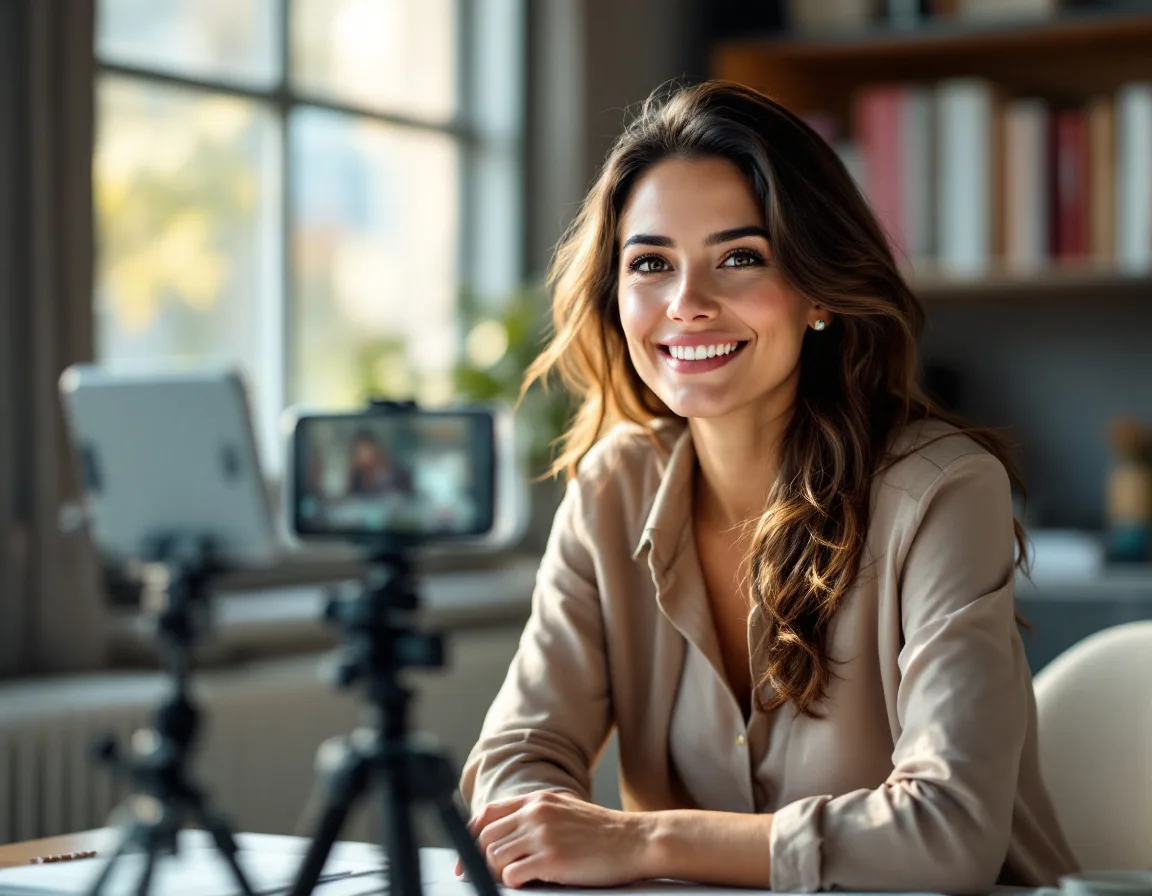
Record on your iPhone. Open the camera app. Rear camera. Cinematic mode if your phone supports it. Rode mic clipped to your collar. Tripod at eye level. Window light in front of you. Hit record. Talk through your outline for 7-8 minutes. Don’t worry about being perfect. You’re going to edit.
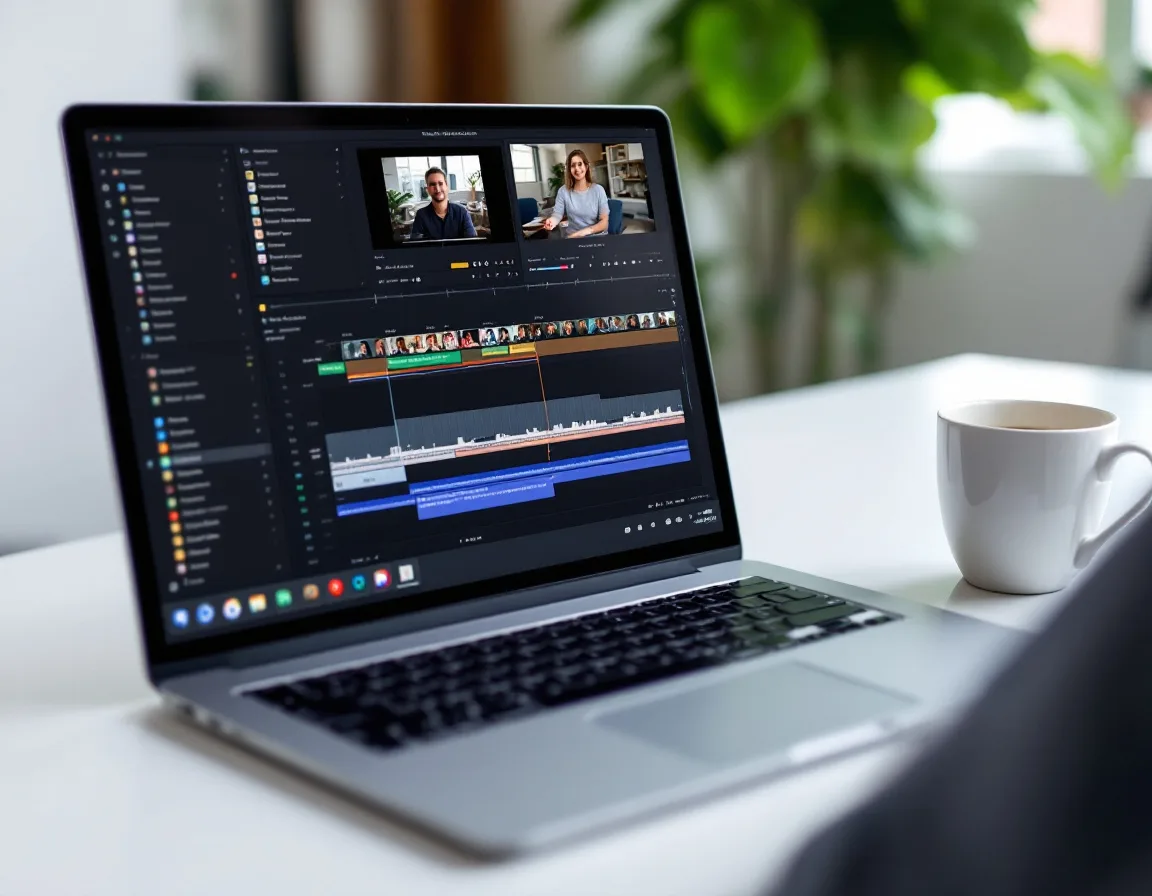
Upload to Riverside. When you’re done recording, upload the video file to Riverside. This is where all the post-production happens without needing post-production skills.
AI cleanup. Three clicks. Magic Audio cleans up your voice tone and balance. Eye contact correction fixes any gaze drift. Silence and filler word removal deletes every “um” and awkward pause.
Edit using the transcript. Riverside transcribes your recording automatically. You edit the transcript like a document. Delete a sentence, the video cuts itself. It’s the fastest editing workflow I’ve found for non-editors, and it’s how most of the founders I work with edit their own first 3-4 videos before handing it off to someone else.
Generate clips. Riverside’s Magic Clips scans your recording and generates 2-4 short-form clips formatted for YouTube Shorts, LinkedIn, and Reels. Review them (don’t auto-post), pick the best ones, and schedule them. Those clips become part of your content repurposing system.
Publish. Upload the finished video to YouTube. Embed it in a blog post. Distribute across social. I wrote the full repurposing sequence in a separate post if you want the complete distribution cadence.
What If the Founder Can’t Be on Camera?
Some weeks the founder’s schedule is packed. Some founders aren’t ready for camera yet. That’s fine.
Write a blog post first. Then use Synthesia to create a 3-5 minute AI avatar video from the blog script. Embed that video in the blog. Run the same repurposing sequence from there.
Synthesia isn’t a permanent replacement for real founder video. Real video builds trust faster because people connect with real faces. But a blog post with a Synthesia video embedded beats a blog post with no video at all. Use it as a bridge while the founder builds the recording habit.
I covered the full AI video comparison in my best AI video generator guide and my AI tools for B2B marketing breakdown if you want to evaluate the options.
What Are the Most Common Founder Video Mistakes?
Looking down at the camera. Already covered this, but it’s the number one visual mistake. Stack books under your tripod. Get the lens at eye level.
Terrible audio. Built-in laptop mics and phone mics pick up everything in the room. A $99 Rode wireless mic fixes this instantly. Audio quality is the single biggest production value signal to viewers.
Over-produced intros. You don’t need a 15-second animated logo intro. You need to start talking within the first 3 seconds. Viewers decide whether to keep watching almost immediately, not during your brand animation.
Trying to be perfect. You will say “um.” You will lose your train of thought. You will make a weird face. That’s fine. Riverside removes the filler words. You can cut the awkward pause. And your audience connects with imperfect, real video faster than they connect with polished corporate content.
Recording without an outline. Even 5 bullet points on a notepad prevents the rambling that turns a 6-minute video into a 20-minute editing nightmare.
Not using a teleprompter when you have one. Riverside has a built-in teleprompter feature. If you struggle with staying on track, use it. Just position it at eye level so your gaze doesn’t drift downward.
Waiting until everything is perfect to start. This is the biggest one. You’ll learn more from recording 3 bad videos than from spending 3 weeks researching equipment. Your first video won’t be great. Neither was your second pitch deck or your first sales call. You got better by doing it. Video works the same way. Set up this afternoon. Record something tomorrow. Fix what’s obviously wrong. Record again. That’s the whole process.
The Bottom Line
The setup is simpler than you think. iPhone. Tripod. Rode mic. Riverside. One afternoon.
The founders who produce consistently aren’t the ones with the best equipment. They’re the ones who removed every barrier between having an idea and hitting record. And then they actually hit record. Imperfectly. Repeatedly. That’s how it works.
If you want help building the content system around the recording (what to say, how to repurpose it, where to distribute), my 6-Week Marketing Sprint is where most companies start. Or if you want someone running the whole thing, let’s talk.
Questions Founders Ask About Video Setup
Do I need a professional camera to start?
No. Your iPhone rear camera with cinematic mode produces better video than most webcams. When you outgrow it (and you might not), a mirrorless camera like a Sony ZV-1 is the standard upgrade. But most founders never need to make that jump.
How long should founder videos be?
7-8 minutes to start. They don’t have to be long. That’s enough to cover one topic with depth, and it’s short enough that you won’t dread recording. Riverside’s Magic Clips handles the short-form clips (under 90 seconds) for LinkedIn and social automatically. Record the longer version and let the AI cut the shorter ones.
Should I record vertical or horizontal?
Horizontal for YouTube. Riverside can reformat clips to vertical for Shorts, Reels, and TikTok. Record horizontal and let the tools handle the conversion.
How many takes is normal?
For most founders, 2-3 takes per video until you find your groove. After 5-10 recordings, most people nail it in one take with minor edits. The trick is to stop re-recording entire videos and start editing out the mistakes instead.
Do I need editing skills?
Not with Riverside’s text-based editor. If you can delete a sentence in a document, you can edit video. Edit your first 3-4 videos yourself so you learn what good recording habits look like. Then hand it off to an editor or VA when you know what “good” looks like.
Should I hire a video editor right away?
Not for the first month. Edit your own videos to learn the process. Then hire when you can give useful feedback. An editor without direction produces generic content. An editor with direction from a founder who’s done it themselves produces great content.
Holly Mack is a fractional CMO for B2B companies. She writes about marketing systems, AI-driven execution, and building lean teams that produce real pipeline. Connect on LinkedIn.
Disclosure: Some links in this post are affiliate links. If you sign up through my links, I may earn a commission at no extra cost to you. I only recommend tools I use or have tested with real client programs.